
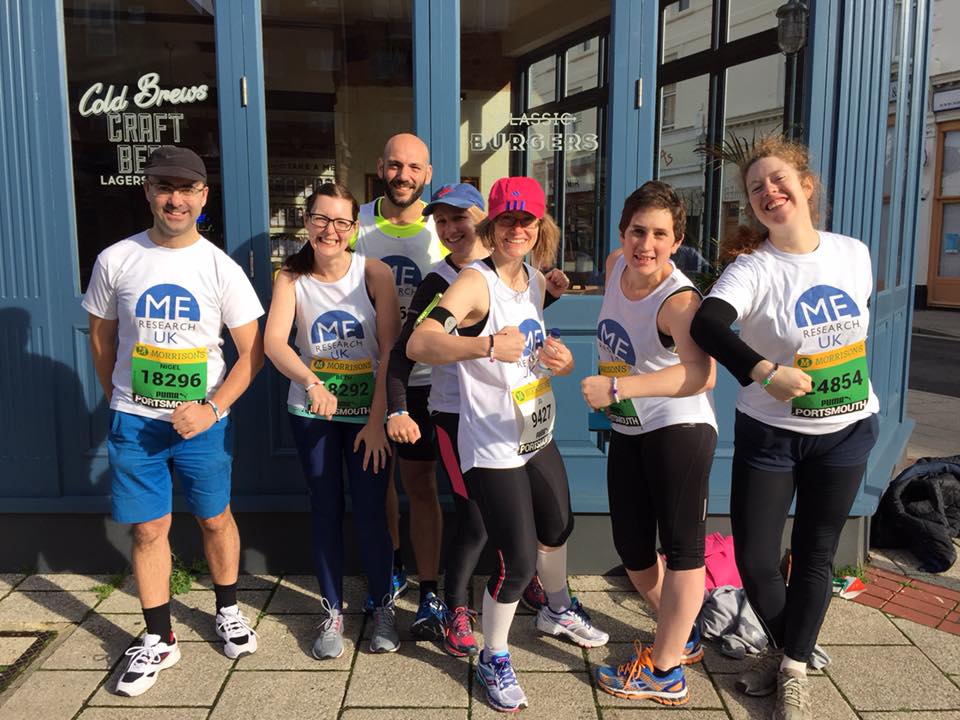
From coffee mornings to marathons, every event can make a difference for people living with ME/CFS. Organising a fundraiser does not have to be complicated — with a bit of planning and the right tools, you can create an event that is fun, memorable, and meaningful.
This page will show you how to set up your JustGiving event, share ideas from other supporters, and point you to helpful resources to make your fundraising a success.
1. Get inspired
Are you looking for ideas for your next event? Take a peek at the recent activities on our Facebook page or explore JustGiving to see how other supporters are making a real difference for ME Research UK.
2. Set up your JustGiving page
Setting up your fundraising page is easier than you might think. Just click the button below, and you will be taken straight to JustGiving. From there, all you need to do is:
- Add your personal story about why you are fundraising.
- Include a photo to make your page more engaging.
- Click Publish – that is it!
JustGiving handles all the donations securely, so you do not need to worry about collecting cash. In minutes, your page will be live and ready for supporters to give.
Start Fundraising
Create your fundraising page in minutes to support ME Research UK.
Create Your Page3. Learn More with JustGiving’s Event Fundraising Toolkit
JustGiving offers a handy Event Fundraising Toolkit full of tips, trends, and best practices for organisers. You do not need to read it to run a successful fundraiser, but it is a great resource if you want to get ideas, see what is worked for others, and take your event to the next level.
📘 Event Fundraising Toolkit
Discover JustGiving’s top tips, trends, and best practices for hosting a successful fundraising event. Use this toolkit to get inspired and make your event a hit!
Download the Toolkit4. Share and Collect on the Go
Did you know 1 in 4 donations on JustGiving comes from sharing activity? JustGiving makes it simple for supporters to give anytime, anywhere.
Fundraising Page QR Codes
Create a personalized QR code for your page by adding /qrcode to the URL.
Add it to leaflets, collection tins, or t-shirts to let supporters donate instantly with a quick scan.
Add to Apple Wallet
Supporters using iPhone or Apple Watch can save your fundraising page as a pass with the page name, QR code, target, closing date, and charity name — perfect for sharing in person. Click “Add to Apple Wallet” in the page’s sharing options.
Posters
Turn your fundraising page into a pre-designed poster with images, target, and a QR code. Print directly from the page’s sharing section to easily spread the word offline.
Prefer a different platform?
You can also create a fundraising page quickly and securely using Wonderful.org.
Try Wonderful.org →